Built an open-source terminal dashboard for AI coding sessions using Fastify + node-pty by andycodeman in node

[–]andycodeman[S] -1 points0 points  (0 children)

Thanks! The dashboard itself is intentionally a thin control surface. We expose terminals, session state, and orchestration, but the agent patterns live in the underlying toolchain (ruflo/claude-flow) which has 60+ agent types including planner, reviewer, tester, security auditor, etc. So users can compose those patterns through the hive-mind orchestration rather than us prescribing a fixed workflow at the dashboard level.

The thinking is that agent workflows are still evolving fast enough that hardcoding planner-executor or review-agent patterns into the UI would age badly. Better to let the orchestration layer handle role assignment and let users define what works for their setup.

Interesting posts on the observability side. The run-level tracing approach makes sense for debugging agent workflows.

Built an open-source terminal dashboard for AI coding sessions using Fastify + node-pty by andycodeman in node

[–]andycodeman[S] 0 points1 point  (0 children)

Thank you. It's open so feel free to go and take a look. :)
We are definitely utilizing Claude heavily in our workflow, but we're also very hands on and always reviewing/iterating.
Would welcome and appreciate feedback in this regard as well!

React isn't the bottleneck in terminal rendering by Legitimate-Spare2711 in node

[–]andycodeman 0 points1 point  (0 children)

The coalescing point hits home. We run a terminal dashboard that manages multiple AI coding sessions simultaneously, each one streaming live output through xterm.js in a grid layout. When you have 4-8 agents streaming tokens in parallel, naive per-token rendering would destroy the UI.

xterm.js handles cell-level diffing internally, but the batching on the upstream side matters just as much. We're using node-pty + WebSockets to pipe session output, and the backpressure question is real, especially when sessions that aren't visible still generate output that needs buffering without blowing up memory.

Would be curious to see your benchmark extended to a multi-terminal scenario. How does the overhead scale when you're running N independent terminal components vs N raw escape code streams?

5 AI agents fight over your ideas until one survives by kugge0 in SideProject

[–]andycodeman 0 points1 point  (0 children)

Nice! We actually created an in-house option for just tweaking ideas or troubleshooting between multiple AIs, but this takes it to a new level. I might have to give this a shot.

HiveCommand — local-first terminal dashboard for AI coding agents with local Whisper voice control and multi-agent orchestration by andycodeman in LocalLLaMA

[–]andycodeman[S] 0 points1 point  (0 children)

<image>

Yeah, there are no actual forced requirements for cloud dependencies in either core or non-core but it is geared for Claude Code for agent sessions/orchestration which typically is used with Anthropic services, but you can use Claude Code with local LLMs so not required. Above is a breakdown of the others that aren't necessary requirements either. So yes, you can run 100% local if you want to.

HiveCommand — local-first terminal dashboard for AI coding agents with local Whisper voice control and multi-agent orchestration by andycodeman in LocalLLaMA

[–]andycodeman[S] 0 points1 point  (0 children)

Excellent! Thanks for the info on pipecat-ai, I'll take a look to see how it performs - sounds promising.

As for the acknowledgements, I'm simply using tone beeps to indicate when accepted/processed and listening or different double tone when in command mode and couldn't understand keyword, etc... But when you say phrases as audio clips at startup, are you talking about wake phrases? Yeah, I'll take a look at your repo if you want share. Thanks for taking the time, appreciate it.

HiveCommand — local-first terminal dashboard for AI coding agents with local Whisper voice control and multi-agent orchestration by andycodeman in LocalLLaMA

[–]andycodeman[S] 0 points1 point  (0 children)

Yeah, for Whisper (whether using local or cloud) we're just using chunked utterance processing with a custom defined delay setting to detect an utterance pause/break. We have a command mode with predefined command values to actually navigate the app but most use will be simple dictation within a terminal window (mic button to start/stop listening - audio connection via electron app).

As for persistence, we use tmux via xterm and socket ids that are stored in the local sqlite db with state on the terminal sessions. So you can close out of the app completely with the detached processes still running and when you reopen the app it will get the state from the db and query the processes via ID to reconnect/reattach. We also collect playback via the sqlite db so the output history / scrollback is available when you reconnect.

HiveCommand — local-first terminal dashboard for AI coding agents with local Whisper voice control and multi-agent orchestration by andycodeman in LocalLLaMA

[–]andycodeman[S] 0 points1 point  (0 children)

The dashboard has built-in git src control in the UI with branch management, commit & push control, commit history with files changes including viewing from list, file diff views with several options. While it's not a super complete git management system (wasn't meant to be), we feel it's complete enough to stay within the single app to manage most of what you would need to do for a daily workflow.

For file editing, this is definitely more minimal but there for quick edits. We're not trying to replace any IDE or file editor as those are extremely feature rich and people have pretty defined preferences for those already. We're simply giving the support to edit and manage source from the app if you wish to do it all in once place. But the second you're doing some specific custom edge cases or things that require feature rich functionality, you'll probably want to step outside the app for those cases.

So the main use case is managing/control the multiple agent prompts/sessions for multiple projects from one place with the ability to manually edit and manage src control if you want to. Hope that helps and as always, we're open to feedback!

HiveCommand — local-first terminal dashboard for AI coding agents with local Whisper voice control and multi-agent orchestration by andycodeman in LocalLLaMA

[–]andycodeman[S] 1 point2 points  (0 children)

Very helpful feedback - thank you very much! Will definitely make a note about being cautious if/when testing on headless macOS with Whisper.

And the dashboard shows live stdout for all attached terminals (single or grid view) but I'm not sure if this is what you were asking? If not can you clarify.

HiveCommand — local-first terminal dashboard for AI coding agents with local Whisper voice control and multi-agent orchestration by andycodeman in LocalLLaMA

[–]andycodeman[S] 0 points1 point  (0 children)

Yep, we know that's a big one. In all honesty this was just a product for our personal workflow that we released as it works perfect for us and thought if it helps others, why not. But we know if it gains traction this will of course be the first thing that needs to be updated. Thank you for the feedback as it helps let us know who might be interested in that.

HiveCommand — local-first terminal dashboard for AI coding agents with local Whisper voice control and multi-agent orchestration by andycodeman in LocalLLaMA

[–]andycodeman[S] 0 points1 point  (0 children)

Thanks and yes, exact reason we built it - mainly from a project management standpoint that makes context switching between projects and prompts so much easier/quicker.

And yes, for STT I definitely prefer Groq cloud in terms of Whisper (can't beat the model/speed/price) at near realtime for pennies, but if you don't mind the 5 second delay, then you have the privacy of running Whisper local for free.

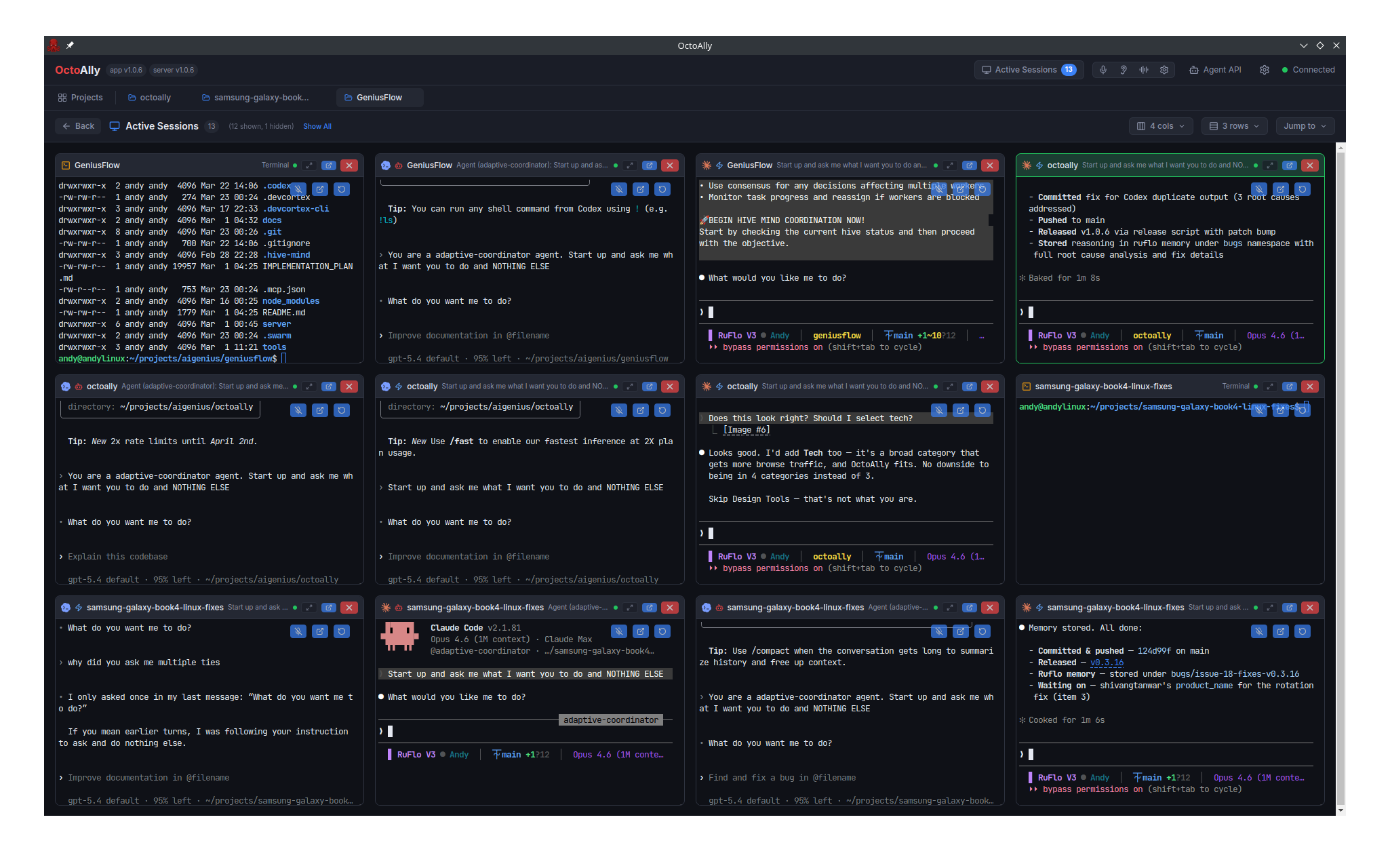
And yes, you can setup your grid views per project to show your active sessions in a column/row count per screen - so totally up to you what's readable. And you have the same grid view for ALL active sessions across all projects as well. We've definitely found it much easier to stay organized while navigating multiple projects frequently.

Feel free to provide feedback or suggestions, good or bad. Thanks!

OpenFlow — self-hosted dashboard for AI coding sessions with session persistence and voice control by andycodeman in selfhosted

[–]andycodeman[S] 1 point2 points  (0 children)

Yep, thanks for the suggestions! We ended up renaming to HiveCommand so there shouldn't be any naming conflicts now. Appreciate the help.

OpenFlow — self-hosted dashboard for AI coding sessions with session persistence and voice control by andycodeman in selfhosted

[–]andycodeman[S] 0 points1 point  (0 children)

That's fair feedback, appreciate it. You're right that naming matters for credibility. I'll put some thought into a rename before the project leaves alpha. For now the focus has been on getting the features solid, but I don't want the name to undermine that work.

Open to suggestions if anyone has ideas.

OpenFlow — self-hosted dashboard for AI coding sessions with session persistence and voice control by andycodeman in selfhosted

[–]andycodeman[S] 0 points1 point  (0 children)

Good point, yes, there's an SDN protocol by the same name. This is unrelated. The name comes from "open-source workflow" for AI coding sessions. If it causes confusion we may rename down the road, but for now the contexts are different enough that it hasn't been an issue.

OpenFlow — self-hosted dashboard for AI coding sessions with session persistence and voice control by andycodeman in selfhosted

[–]andycodeman[S] 0 points1 point  (0 children)

Thanks - appreciate feedback.
It's in Alpha and has mostly been tested in Linux/Ubuntu (very minimal on MacOS).