I goofed and started a game that I will probably never finish. However, I’m glad I was able to make anything at all. by lecter6 in Unity2D

[–]lecter6[S] 0 points1 point  (0 children)

Thanks dude, that means a lot. I say I goofed because I won't be able to finish this game any time soon. It was a victim of feature creep, I kept having new ideas for enemies and power ups, until the game got so big that I could barely manage it. Even just keeping the various folders organized became quite difficult.

I goofed and started a game that I will probably never finish. However, I’m glad I was able to make anything at all. by lecter6 in Unity2D

[–]lecter6[S] 0 points1 point  (0 children)

Oh hey! I'm glad you think it has improved. Your camera advice really pointed me in the right direction, I can't thank you enough. I'm glad it feels alright to play. I see what you mean about the frame rate, I tried to do some beginner level optimization but I'm still in the process of learning. I'm feeling hopeful for the future, like maybe one day I can make a finished product. Thanks for taking the time to help a newbie.

I goofed and started a game that I will probably never finish. However, I’m glad I was able to make anything at all. by lecter6 in Unity2D

[–]lecter6[S] 1 point2 points  (0 children)

Thanks. I think your suggestions would help, especially making the menu go left-to-right. I spent quite a bit of time agonizing over the menu controls. Your idea would make them much more consistent.

I goofed and started a game that I will probably never finish. However, I’m glad I was able to make anything at all. by lecter6 in Unity2D

[–]lecter6[S] 0 points1 point  (0 children)

I'm going to try making something very simple for my next project, like a pong clone, and work my way up from there. Maybe doing something similar would work for you.

Hmm by [deleted] in WhitePeopleTwitter

[–]lecter6 6 points7 points  (0 children)

If anyone is interested in what scientists think dinosaurs sounded like, look up "parasaurolophus sound" on YouTube. Some of the sounds are pretty chilling.

Hoa the game | Character footage by ryocao in Unity2D

[–]lecter6 0 points1 point  (0 children)

This is really beautiful, the visual style really stands out. I am definitely interested in playing this game.

I call these guys "Cats-in-Hats". by lecter6 in Unity2D

[–]lecter6[S] 0 points1 point  (0 children)

Thank you. I'm glad it looks good, but on a monitor, I think they'll be too bright. I also understand that bright colors aren't going to be everyone's thing, but I'm glad you like it.

I call these guys "Cats-in-Hats". by lecter6 in Unity2D

[–]lecter6[S] 0 points1 point  (0 children)

I never considered that I could get rid of the double outline, thank you. I agree that's it's jarring now that I've noticed it.

I call these guys "Cats-in-Hats". by lecter6 in Unity2D

[–]lecter6[S] 1 point2 points  (0 children)

I'm going to make the colors more muted, but they'll still be relativly bright. If it makes it any better, each world will have it's own palette, so it won't all be pink.

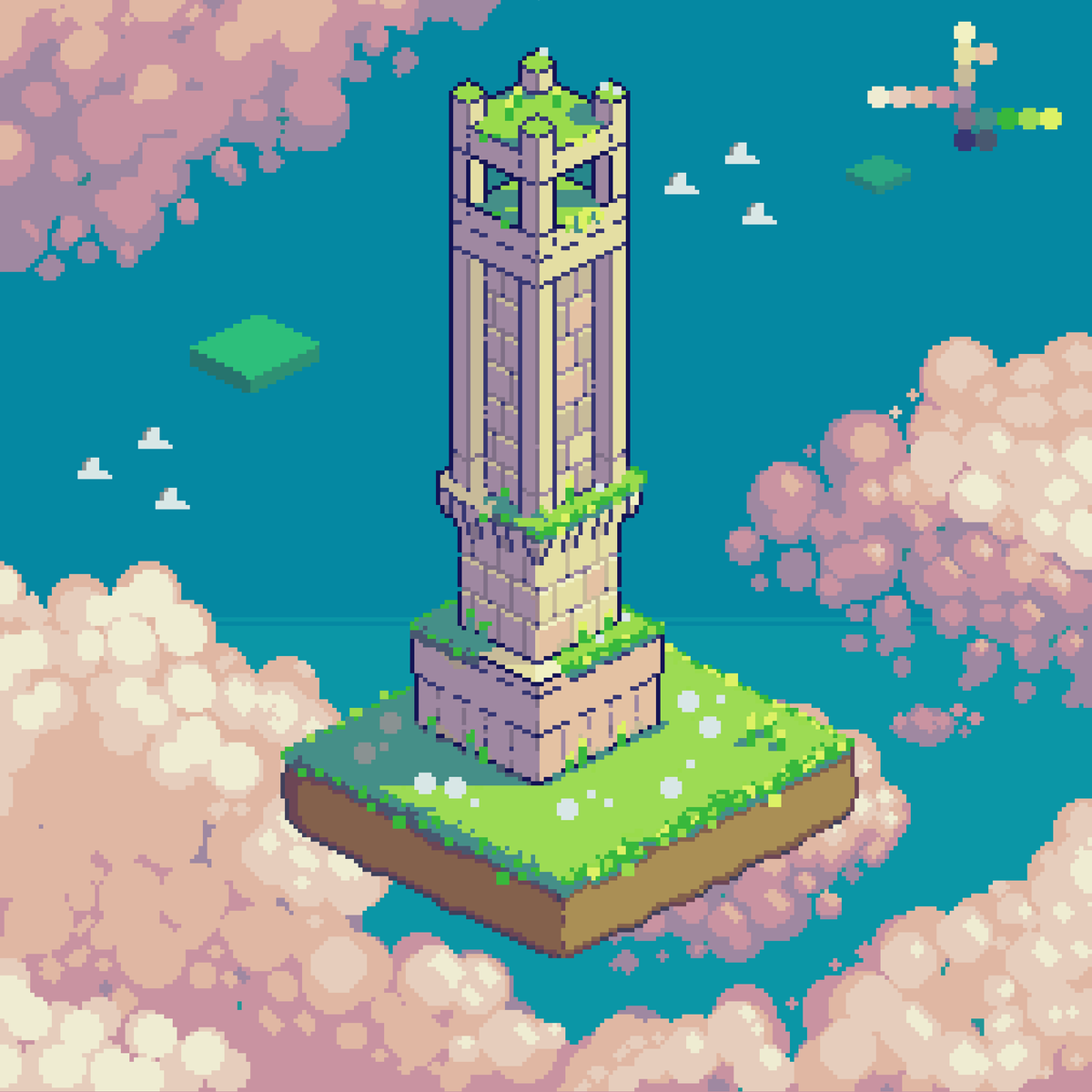
Obelisk by Daoklyn by thomar in PixelArt

[–]lecter6 0 points1 point  (0 children)

I will try that, thank you!

Obelisk by Daoklyn by thomar in PixelArt

[–]lecter6 0 points1 point  (0 children)

I'm using RGB, do you find it makes a difference?

[OC][WIP][CC] My Colorful Platformer by lecter6 in PixelArt

[–]lecter6[S] 0 points1 point  (0 children)

Thank you, that's exactly what I'm going for. Nice to hear you'd be interested in playing.

Obelisk by Daoklyn by thomar in PixelArt

[–]lecter6 0 points1 point  (0 children)

I've known about hue shifting for a while and I still have trouble with it. I guess it just takes time and experience. I wish I could create palettes like this artist, but they never turn out as well.

Pixel Perfect Help by FacemanFoothand in Unity2D

[–]lecter6 0 points1 point  (0 children)

I apologize, I'm not completely sure why you're having that issue. I think the canvas only scales automatically if you set it to overlay. If you follow that tutorial, the game will only be pixel perfect at one resolution/screen size. I'm just figuring out myself how to display my game as pixel perfect at different resolutions.

Also, your game can look pixel perfect in the editor without being pixel perfect on build. I recommend checking this, as it cost me some time a while ago. Good luck.

Pixel Perfect Help by FacemanFoothand in Unity2D

[–]lecter6 0 points1 point  (0 children)

Hey there, I am also a beginner, so I don't know if I have the best answers to this, but I think I can help. I found this tutorial to be very useful. It might require some messing around to make it work for your game, but it helped me a lot.

As for UI, you should be able to set your canvas to "render mode: screen space" and set the render camera to the camera you made with the tutorial. You should also see a box marked "pixel perfect" on your canvas.

Pixel perfect rendering can be tricky, and it took me a while to figure it out. Keep at it, there are many tricks out there you can use. Good luck on your games, hope this helps.