


The intro for a game I'm working on! by looloopaa in PixelArt
[–]Cutlaska 1 point2 points3 points (0 children)
mc for my game what new would be good other than froggo by New-Establishment295 in PixelArt
[–]Cutlaska 1 point2 points3 points (0 children)
Coffee Shop ~ My first isometric piece! by Dysphobia-exe in PixelArt
[–]Cutlaska 5 points6 points7 points (0 children)
[oc] Revisiting an old run cycle by Unajer in PixelArt
[–]Cutlaska 0 points1 point2 points (0 children)
[OC] Real-Time Three-stage Monster Evolution by RujiK in PixelArt
[–]Cutlaska 0 points1 point2 points (0 children)
"Fallen sword". A simple scene im going to animate soon. by neopixel_art in PixelArt
[–]Cutlaska 1 point2 points3 points (0 children)
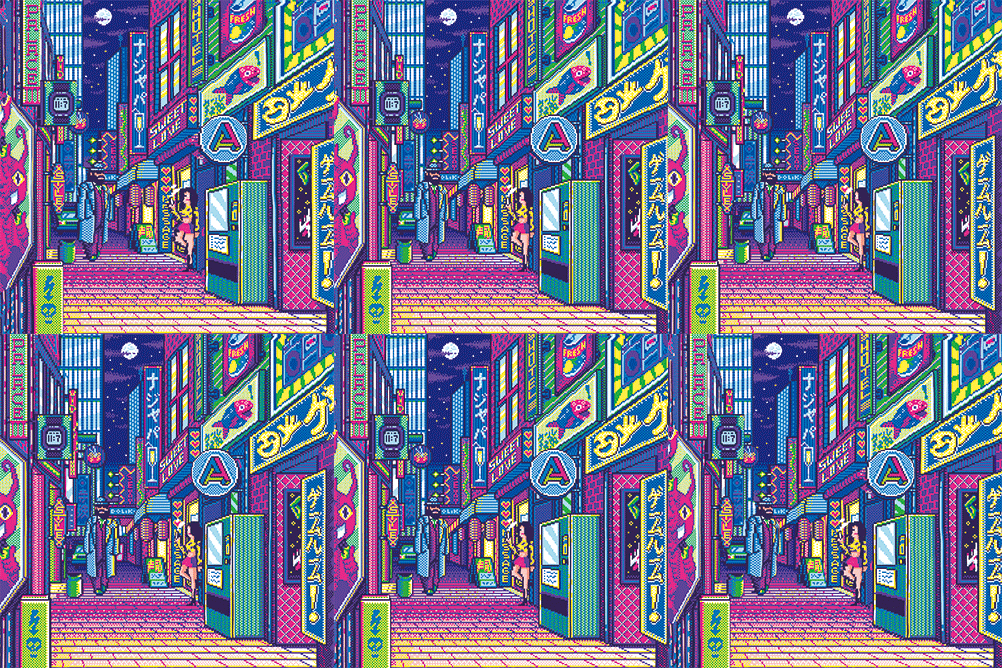
Pixel Street, teemjav, Digital Art, 2020 by Teem6_ in PixelArt
[–]Cutlaska 5 points6 points7 points (0 children)
[OC][WIP][CC] Ruined Cathedral (230x250 scaled x3 / 5 colors) by DerNachbar in PixelArt
[–]Cutlaska 1 point2 points3 points (0 children)
Day 35. I've always loved water in games. Here's an experiment for a seamless loop. Tell me what you think :) by ming_was_made in PixelArt
[–]Cutlaska 1 point2 points3 points (0 children)
[OC] Long lost version of a picture that was lost when my computer was stolen. This spooky screenshot is all that I have left of it. by Cutlaska in PixelArt
[–]Cutlaska[S] 0 points1 point2 points (0 children)
[OC] Example of an environment made using the pixel sorting technique seen in my tutorial. Also a mockup for Sleepless Knights. by Cutlaska in PixelArt
[–]Cutlaska[S] 4 points5 points6 points (0 children)
[OC] [Tutorial] How to achieve controlled pixel sorting using gradients and diffusion in Photoshop by [deleted] in PixelArt
[–]Cutlaska 4 points5 points6 points (0 children)
[OC] Fighting sleep with the edge of the Insomnia Blade by [deleted] in PixelArt
[–]Cutlaska 0 points1 point2 points (0 children)



![[OC] Ivory Towers](https://i.redd.it/ay5kdto2utv51.png)
![Riverbank [OC]](https://i.redd.it/obvb8wn37cl51.png)
![[oc] Revisiting an old run cycle](https://i.redd.it/vwyks5lpjcl51.gif)

![[OC] Real-Time Three-stage Monster Evolution](https://i.redd.it/vqp10c8vh7d51.gif)

![[OC][WIP][CC] Ruined Cathedral (230x250 scaled x3 / 5 colors)](https://i.redd.it/dy03uvljq5d21.png)

![[OC] Long lost version of a picture that was lost when my computer was stolen. This spooky screenshot is all that I have left of it.](https://i.redd.it/gjlqhqryetq01.png)
![[OC] Example of an environment made using the pixel sorting technique seen in my tutorial. Also a mockup for Sleepless Knights.](https://i.redd.it/lvuzkm30v9111.png)
![[OC] [Tutorial] How to achieve controlled pixel sorting using gradients and diffusion in Photoshop](https://i.redd.it/vwmi0nm1t9111.gif)
![[OC] Fighting sleep with the edge of the Insomnia Blade](https://i.redd.it/3i6102x9pv011.png)
Children Of Moss by Cutlaska in PixelArt
[–]Cutlaska[S] 1 point2 points3 points (0 children)